How to Sell Online in Namibia (Step-by-Step Guide)

Jan 04, 2026
How to gig it
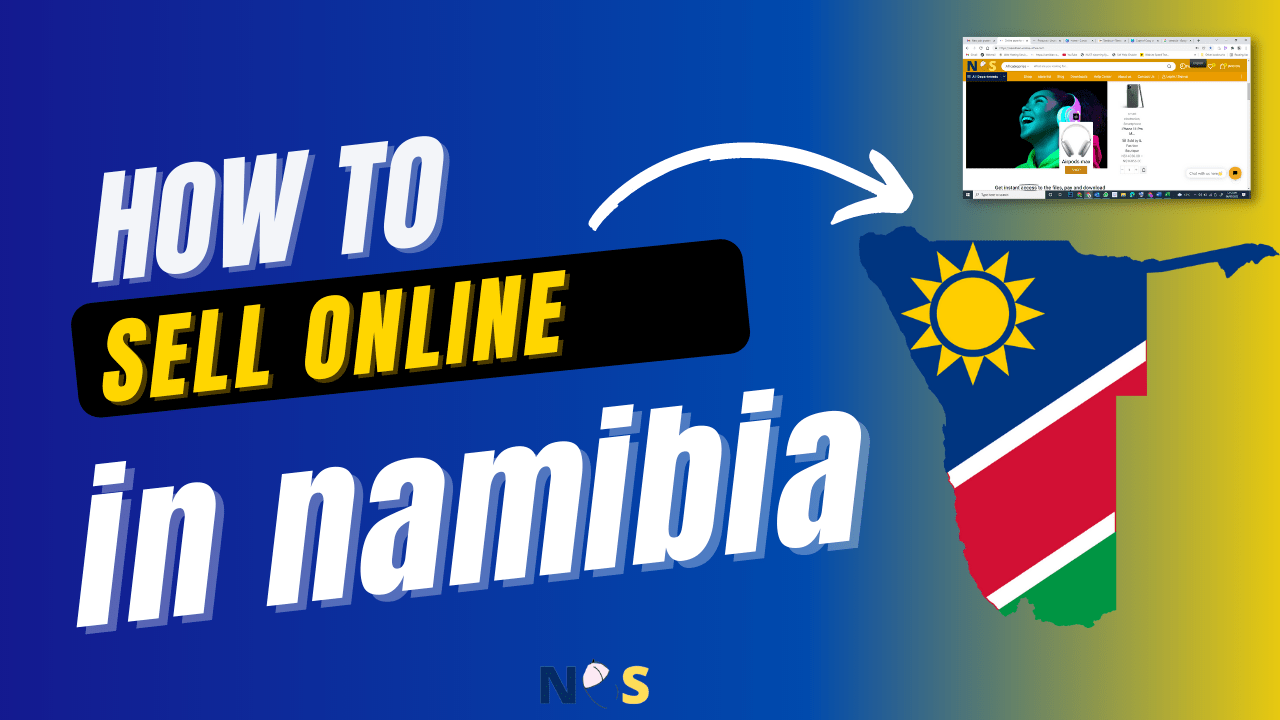
How to Sell Online in Namibia (Step-by-Step Guide)

In this guide, we’ll show you how to sell your products online in Namibia by creating your own store on BuyNamib.com.


Why Sell Online in Namibia?

Online selling helps Namibian businesses to:

  • Reach customers beyond their local town or region

  • Sell 24/7 without needing a physical shop

  • Build trust with professional store pages

  • Communicate instantly with customers via live chat

  • Grow sales at a lower cost compared to traditional marketing

BuyNamib.com is built specifically to support Namibian sellers, making it ideal for local businesses.

How Can I Sell My Product Online in Namibia?

Step 1: Create a Seller Account on BuyNamib.com

Start by registering a seller’s account at BuyNamib.com.
Once registered, choose a selling plan that suits your business needs.

Step 2: Set Up Your Online Store

After creating your account, you can fully customize your store:

  • Upload your shop logo and banner

  • Customize your store design to match your brand

  • Add your shop address and contact details

  • Configure your SHOP settings easily from the dashboard

Your store becomes your online storefrontprofessional, branded, and trusted.

Step 3: Add Your Business Location (Store Map)

BuyNamib.com allows you to:

  • Build following/customers

  • Help customers easily find your shop

  • Build trust by showing that your business is real and local

This is especially important for Namibian customers who value transparency.

Step 4: Upload Your Products

You can upload all products available in your store, including:

  • Product images

  • Prices and discounts

  • Stock availability

  • Product descriptions and categories

Each product gets its own page, making it easy for customers to browse and buy.

Step 5: Enable WhatsApp Live Chat

One of the most powerful features is live chat with customers:

  • Connect WhatsApp live chat to your store

  • Chat with customers directly on each product page

  • Answer questions instantly and close sales faster

This works perfectly in Namibia, where WhatsApp is widely used.

Step 6: Create a Support Page

Your store can include a support page where customers can:

  • Ask questions

  • Get help with orders

  • Contact your business easily

This improves customer experience and increases trust.

Step 7: Add Shop Policies (Very Important)

To sell professionally online, you must clearly define:

  • Shop Terms and Conditions

  • Warranty Policy

  • Shipping Policy

  • Refund & Return Policy

BuyNamib.com lets you add all these policies directly to your store, making your business look credible and reliable.

Step 8: Start Selling Nationwide

Once everything is set up:

  • Your store becomes visible to customers across Namibia

  • Customers can browse, chat, and place orders

  • You manage everything from one dashboard

You are now officially selling online in Namibia 

Why Choose BuyNamib.com?

BuyNamib.com gives you:

  • A complete online store (no coding required)

  • Product uploads with live chat per product

  • Store map and business location

  • Support page and WhatsApp integration

  • Custom store policies and settings

  • A platform designed for Namibian businesses


Start Selling Online Today

If you’re asking “How do I sell my products online in Namibia?”, the answer is simple:

Create your store account at BuyNamib.com and start selling today.

Turn your local business into an online success and reach customers all over Namibia fast, simple, and affordable.