English
 Oshiwambo



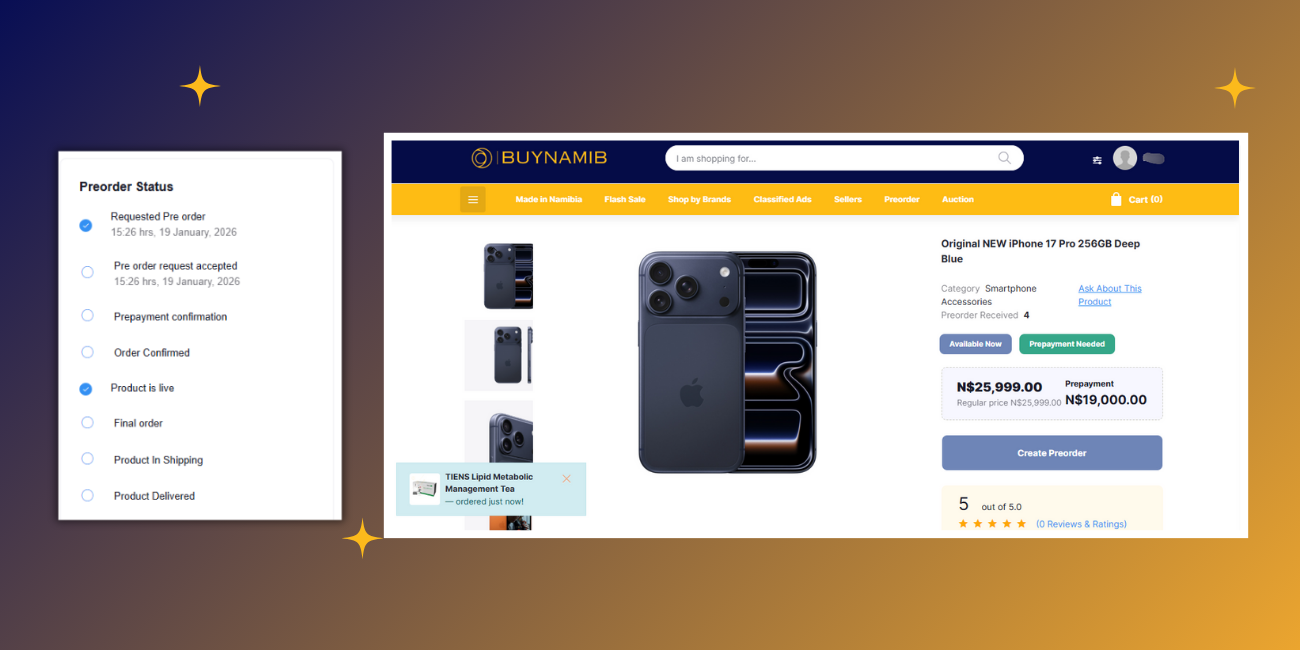
How to Preorder On BuyNamib
- Simple. Secure. Convenient.
Easy 8‑Step Cartless Preorder Process
1. Find a Preorder Product
Browse BuyNamib and look for products marked Preorder. Open the product page to view details, pricing, and preorder options.
2. Place Your Preorder Request
Click Request Preorder and submit your request without adding the item to cart. No full payment is required at this stage.
3. Enter Preorder Details
Provide required details such as:
Quantity
Preferred options (if any)
Prepayment amount (where applicable)
Agree to the preorder terms & conditions
Then click Submit Preorder.
4. Preorder Request Submitted
Your preorder request is successfully sent. You will receive a confirmation notification showing the request status.
5. Admin / Seller Reviews Request
The BuyNamib admin or seller reviews your preorder request, confirms availability, pricing, and delivery timeline.
6. Request Accepted & Payment Details Shared
Once approved, you will receive:
Payment instructions
QR code or payment reference
Confirmed preorder terms
7. Make Final Payment
Complete the remaining payment securely using the provided payment method.
8. Delivery & Completion
After payment confirmation:
Product is prepared and shipped
Delivery is completed
Preorder status is marked Successful
Why Preorder on BuyNamib?
No cart required
Secure preorder requests
Flexible payment process
Direct seller approval
Transparent tracking from request to delivery
Recent Posts

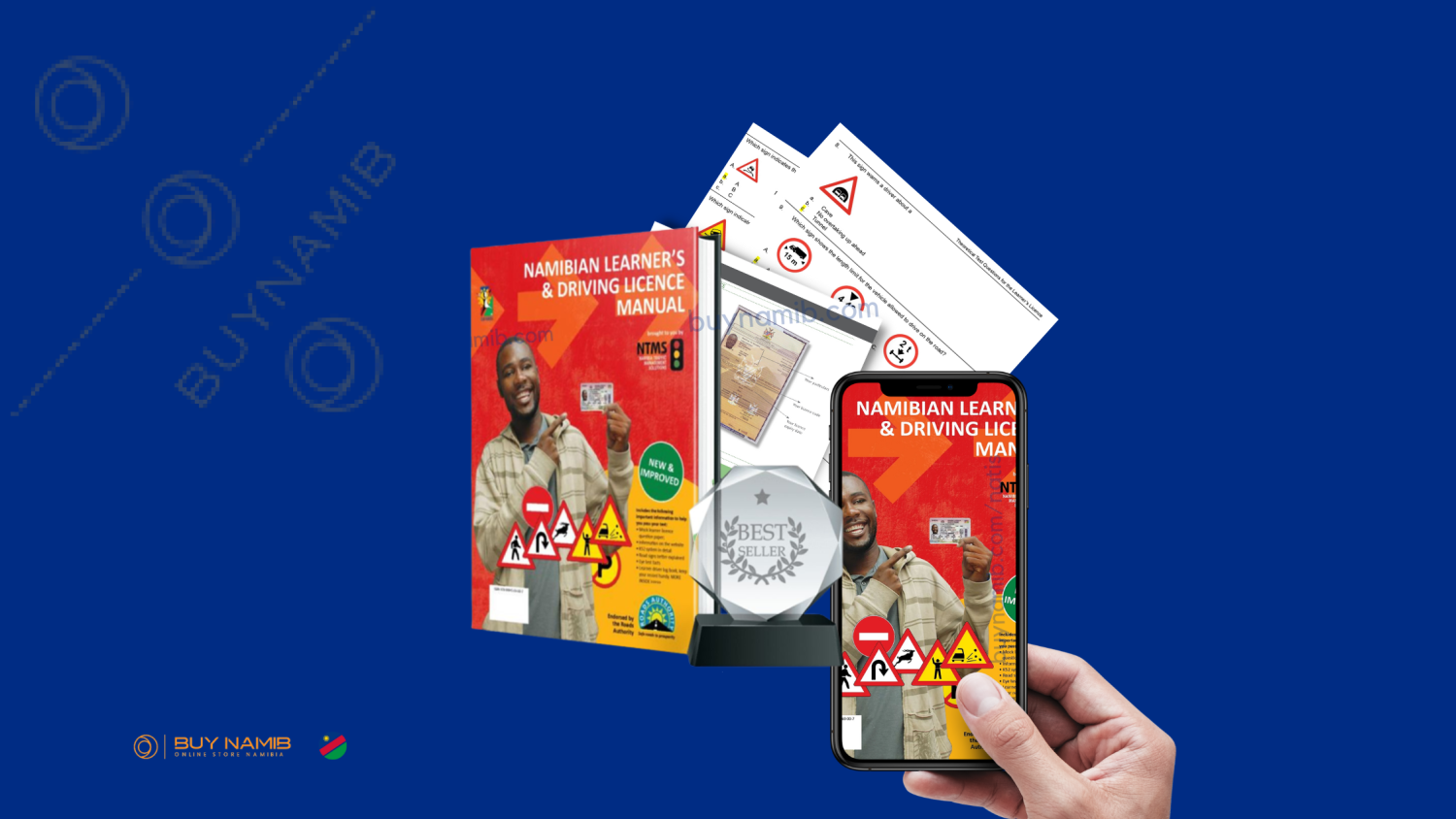
How to download Namibian Learners And Driving Licence Manual book in PDF?